The New IVollive: Chat-Native Backtesting, an AI Helper, and a Full Earnings Calendar
September 3, 2026
We've shipped the biggest update to IVolLive in a long time. Three new capabilities landed together, all included with every IVolLive subscription: a chat-native backtesting engine, an AI helper embedded in the platform, and a dedicated Earnings Calendar service.
Backtest options strategies from the chat
The right-edge chat panel now has a dedicated Backtesting tab. Describe the strategy you want to test in plain English — the strategy shape, instrument, and period. The AI walks you through a short 5-step interview to lock in the details, then executes the backtest against IVolatility's historical options database. Performance metrics come back in the chat.
If you want to tune the setup, ask for grid optimization. The engine sweeps across DTE, delta, strikes, stop-loss, and take-profit, and hands back the best parameter combinations ranked by Sharpe, Win Rate, or P/L.
Supported strategies span:
- Short-premium — Short Straddle, Short Strangle, Cash-Secured Put, Covered Call
- Long-volatility — Long Straddle, Long Strangle, Long Call, Long Put
- Spreads — Bull/Bear Verticals, Calendars, Iron Condor, Iron Butterfly
- Earnings plays — buy or sell Straddles around reports, optimize by DTE-to-event, strike, and multiplier
Asset coverage: equities, indexes, ETFs, and futures across US, Europe, Asia, Canada, and Latin America.
AI Helper for the whole platform
The other tab of the same chat — Helper — answers questions about any service, metric, column, strategy, or current market condition in plain English. It reads the context of the service you have open, so if you're looking at a Stock Monitor row filtered on SP500 and ask "why does this row have a high IV Rank?", it answers using the actual data on your screen.
Common questions the Helper handles:
- "What's the difference between IVR30 and IVP30?"
- "Is IVX30 elevated on TSLA compared to its recent history?"
- "Which stocks are seeing the highest options volume today?"
- "How does NVDA's implied vol compare to AMD's over the last year?"
- "How does put-call parity work?"
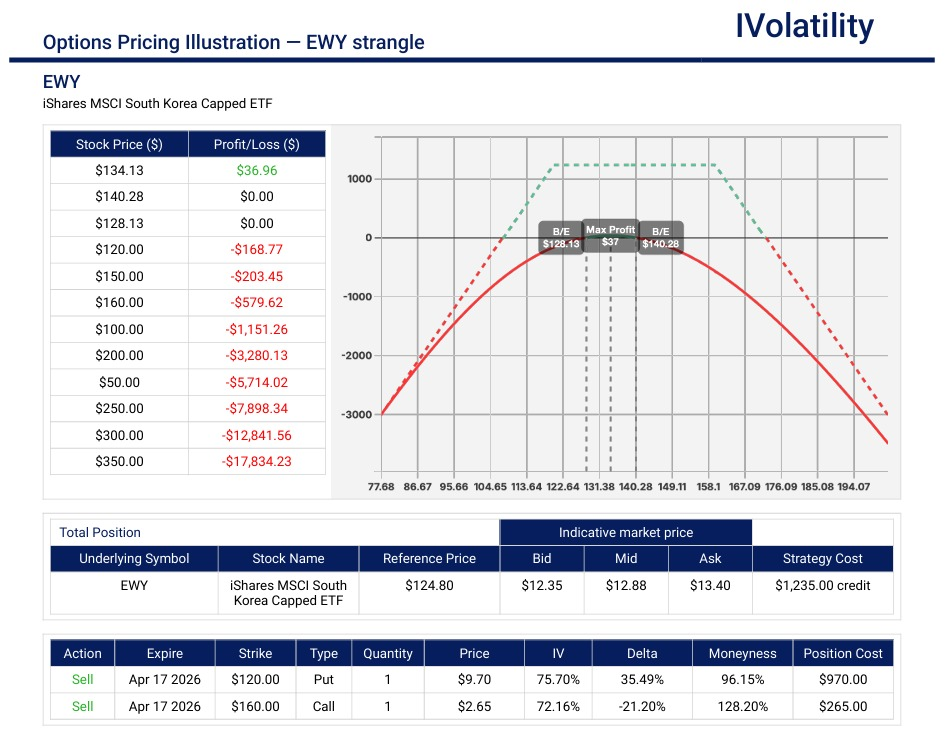
For PnL Calculator specifically, the Helper can go a step further and build the strategy for you — ask it to construct an Iron Condor on SPX with 30 DTE and 20-delta wings, and the four legs load into the calculator with aggregate greeks and payoff chart ready to inspect.
New: Earnings Calendar
A dedicated dashboard focused entirely on earnings-release events for US equities and ETFs. Two modes.
Upcoming mode is a forward-looking screener covering announced reports for the next ~5 months. Choose a period (This Week, Next Week, or a custom range), pick a universe (SP500, NASDAQ 100, All US Stocks, or a custom group), and add strategies (Straddle, Strangle by Volume, Strangle by OI). For each report you get the current price, implied move, and per-strategy columns showing the Call/Put contracts, their asks, and the probability of the underlying reaching each leg's breakeven before the report.
Historical mode is a 20-year retrospective mini-backtest. Same wizard, but for past reports. Every historical earnings event exposes option prices and IVX levels at six fixed snapshots: 7 days before, 3 days before, 1 day before, 0 days after (close of the earnings day), 3 days after, and 7 days after. You can read every entry × exit combination for every strategy — Strategy PnL columns show the underlying's point movement between any two snapshots. Enable the IVX chip to reveal 13 IVX-term columns at each snapshot, so you can measure IV Crush by comparing, for example, the 30-day IVX one day before the report with the 30-day IVX at close of the earnings day — and see how far into the term structure the crush propagated.
Custom universes built in Earnings Calendar are shared with Stock Monitor and vice versa.
Who this is for
Options traders playing earnings, volatility analysts studying IV dynamics, and systematic strategy developers who want a fast path from idea to backtest — without writing code, exporting to Excel, or leaving the platform.
How to try it
- Existing subscribers — everything is live in your account now. Log in at ivolatility.com. The chat is on the right edge; Earnings Calendar is in the left sidebar.
- New users — start a free 7-day trial at HERE to explore the full platform with all three features included.
Questions / Comments
We're here to serve IVolatility users and we welcome your questions or feedback about the option strategies discussed in this newsletter. If there is something you would like us to consider and/or analyze, we're always open to your suggestions. Use support@ivolatility.com.
Previous issues are located under the Trade Ideas tab on our website.